Editing & Content
How can I create a property that lets me add objects from more than one type?
Editing & Content
How can I create a property that lets me add objects from more than one type?
For example, if I want to have a 'source' property for my quote object type, but the source could be a person or a film?
Instead of an object select property, use a text property. Text properties are like a block of text in your notes- you can link to anything, write anything and apply any text formatting.
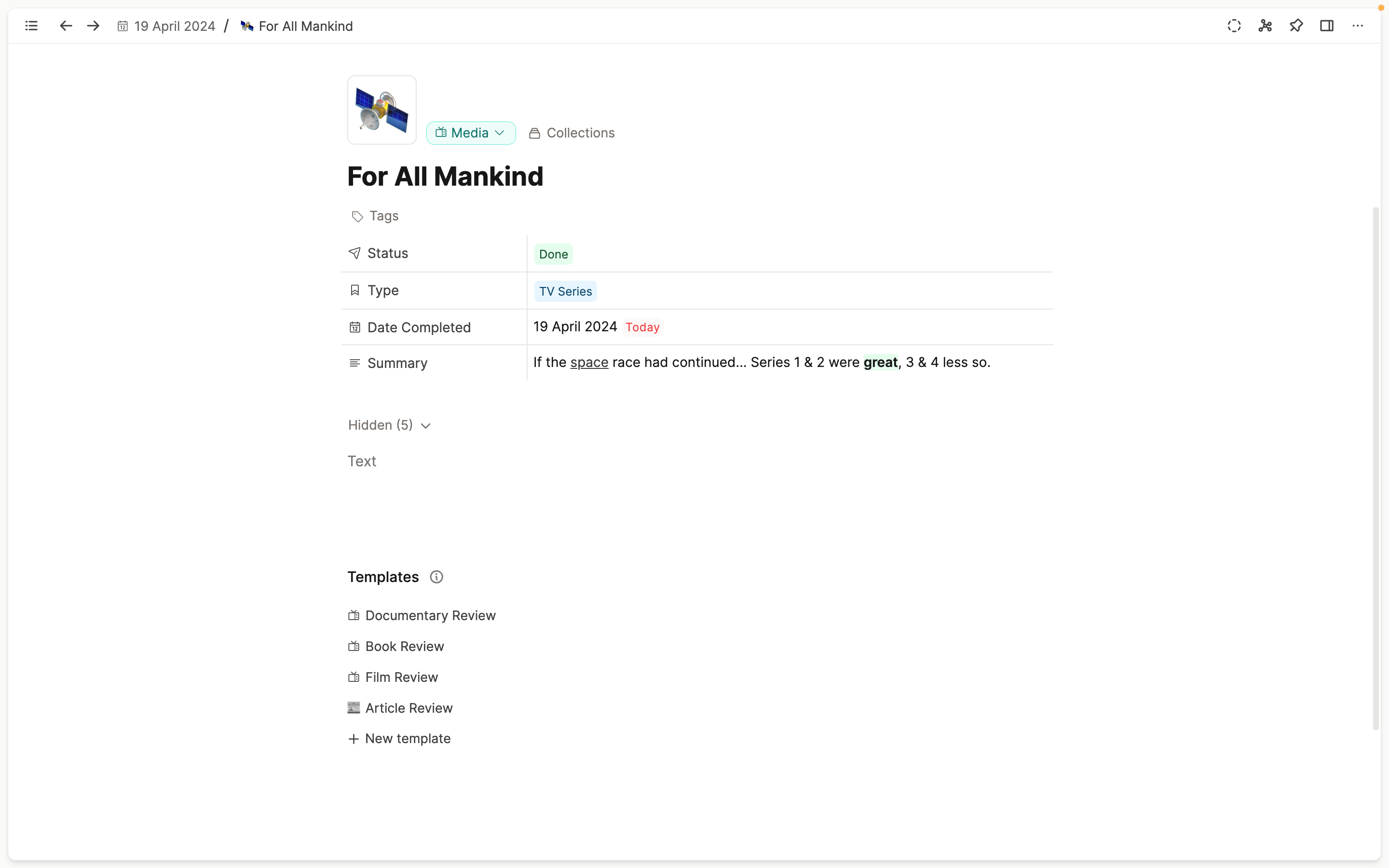
This won't give you a drop down menu of object to search through when you click on the property, but you can use what we call linking search. This is exactly what comes up when you link to an object in your notes, it's now just in your text property- just type @ or [[]] to get started.
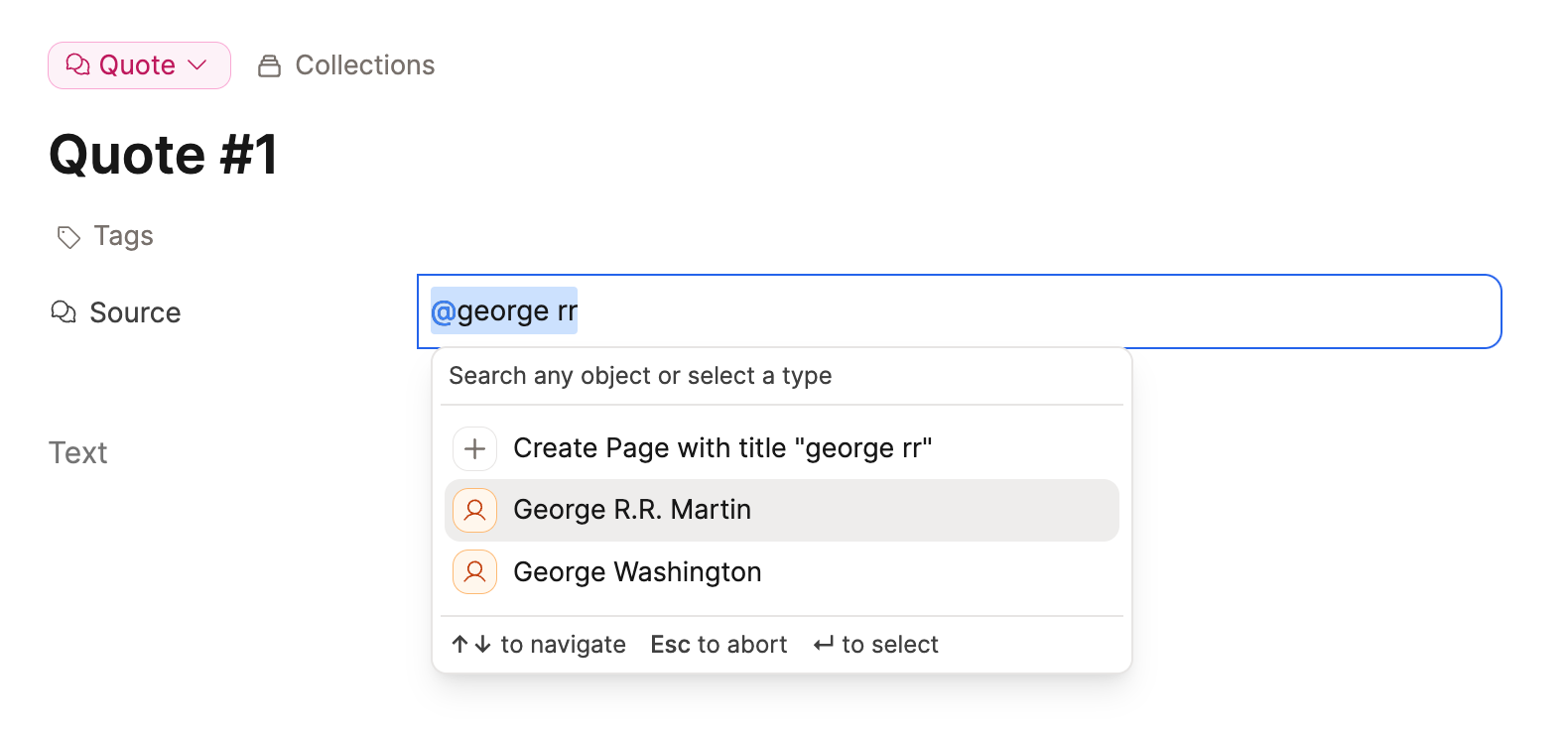
You can either search for the object by name, or you can search by type first to refine the search results. This might be particularly helpful as your space grows.
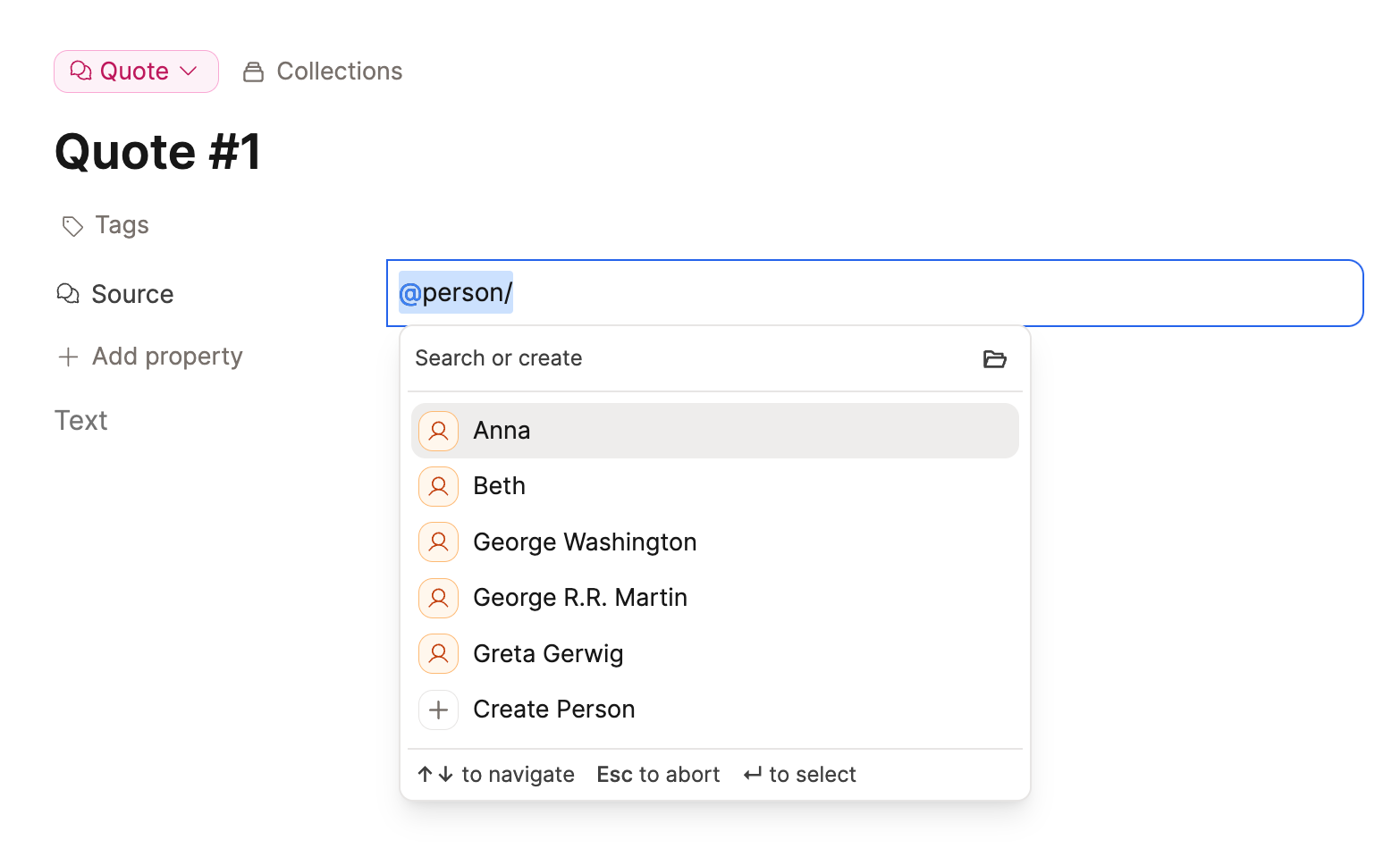
If you want to do this for your object types, try @/{name of your object type}/{name of the object you're searching for}.
Ask a question! - The Docs Assistant knows everything about the documentation, and the ideas and feature requests from other users.
Create a ticket on our feedback board. - Let us know if you have an idea for a feature, improvement or think there is something missing.
Request additions to the documentation. - If your questions are not getting answered, let us know and we will extend the documentation.