Switching from Google Keep to Capacities
For a feature and pricing comparison, see Capacities vs Google Keep on the main website.
When you are ready to move your notes, read Understanding the paradigm shift first, then follow Import from Google Keep.
Google Keep is a feed of quick note cards. You sort them with labels, colors, and pins, and you find them again with search. There are no folders, so you already know what it is like to organize without them.
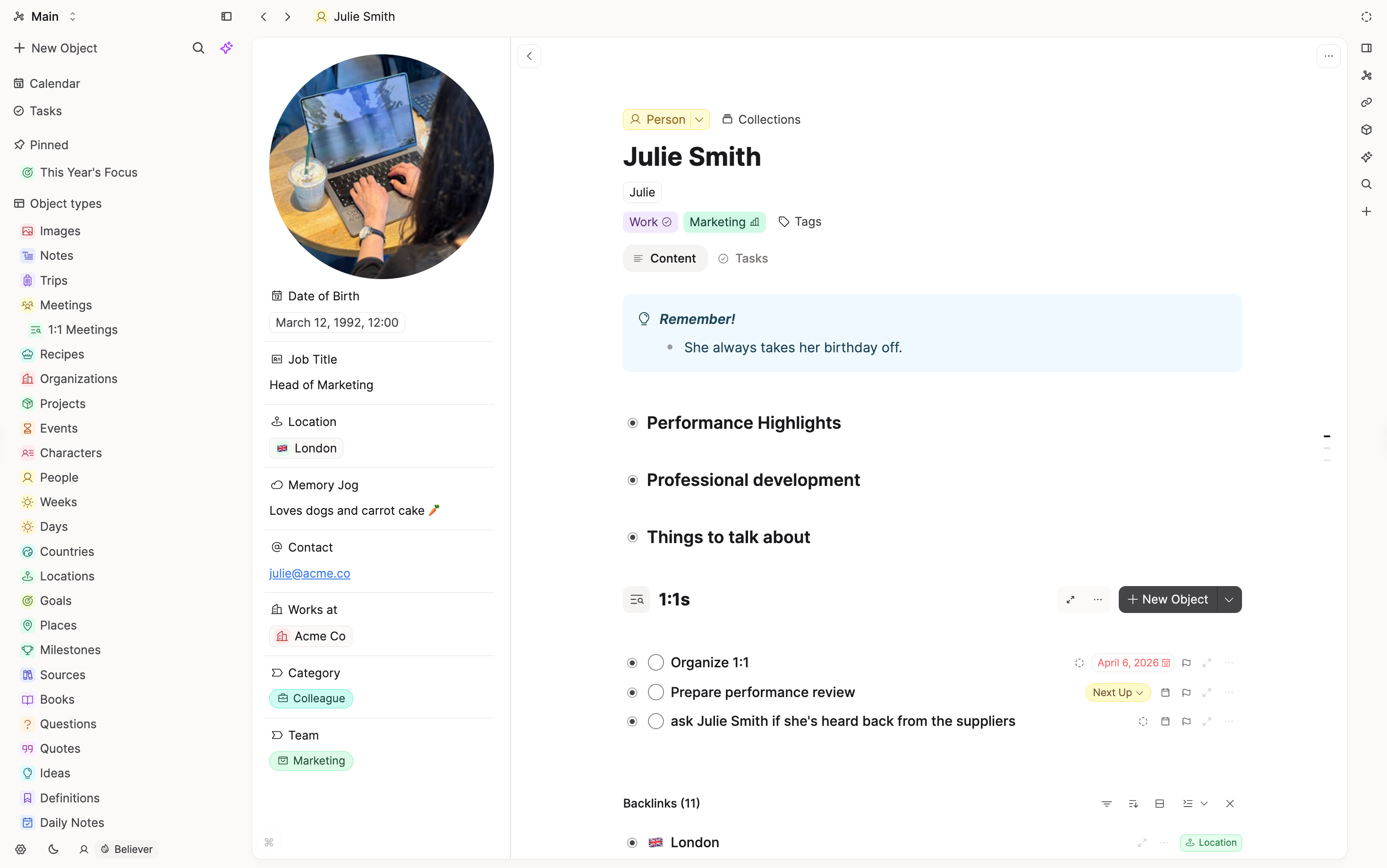
Capacities is flat in the same way, but every note has a type. A note can be a Page, a Book, a Person, a Meeting, or a type you create yourself. Notes link to each other, and each note shows everything that links back to it. Over time, your notes become a connected picture of your work and life, not just a pile of cards.
If you mostly use Keep for shopping lists and quick reminders, Capacities may feel like more than you need. If your notes have started to grow into ideas, projects, and research you want to come back to, that is where Capacities helps.
Concept mapping
| Google Keep | Capacities |
|---|---|
| Note | Object, often a Page |
| List note | Todo blocks in a note, or tasks (Pro) |
| Label | Tag, or an object type if the label names a kind of thing |
| Color | Tag, or leave it out |
| Pin | Pin the object to your sidebar, or add it to a collection |
| Archive | Tag or collection, or leave archived notes behind |
| Search filters | Search and queries (Pro) |
| Reminder | Reminder on a date (Believer, in beta) |
| Drawing | Image, or a whiteboard (Pro) |
| Chrome extension | Web extension |
Day-to-day differences
Capturing a thought
In Keep, you open the app and start a new card. In Capacities, the quickest place to write is today's daily note. Write first and decide what the note is later. If a thought grows into something bigger, turn it into its own object and link it back to the day.
Labels and object types
Keep labels do two jobs. Some describe a topic, like Recipes or Travel. Others describe a kind of thing, like Books or People.
Capacities keeps those apart. A topic becomes a tag. A kind of thing becomes an object type with its own properties. If you have a Books label in Keep, a Book type in Capacities can hold the author, the rating, and your notes on each book in the same shape.
Linking notes
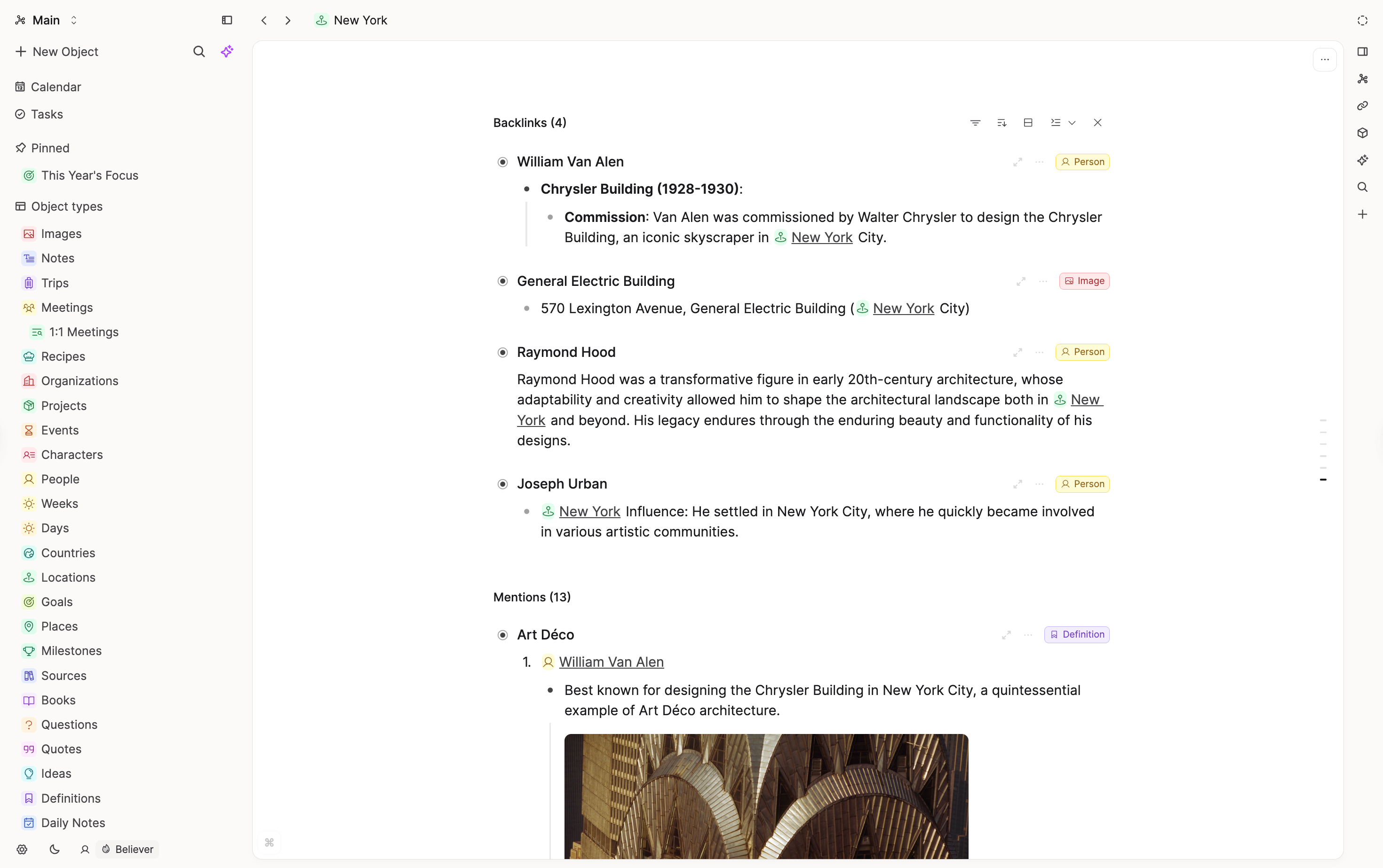
Keep notes stand on their own. In Capacities, you link one note to another by typing @ or [[. Each note shows its backlinks, so you can see every place it was mentioned without searching for it.
Seeing notes side by side
Keep shows your notes as a grid of cards. A Capacities note is a page you read from top to bottom. If you miss laying notes out next to each other, put them on a whiteboard.
Lists and tasks
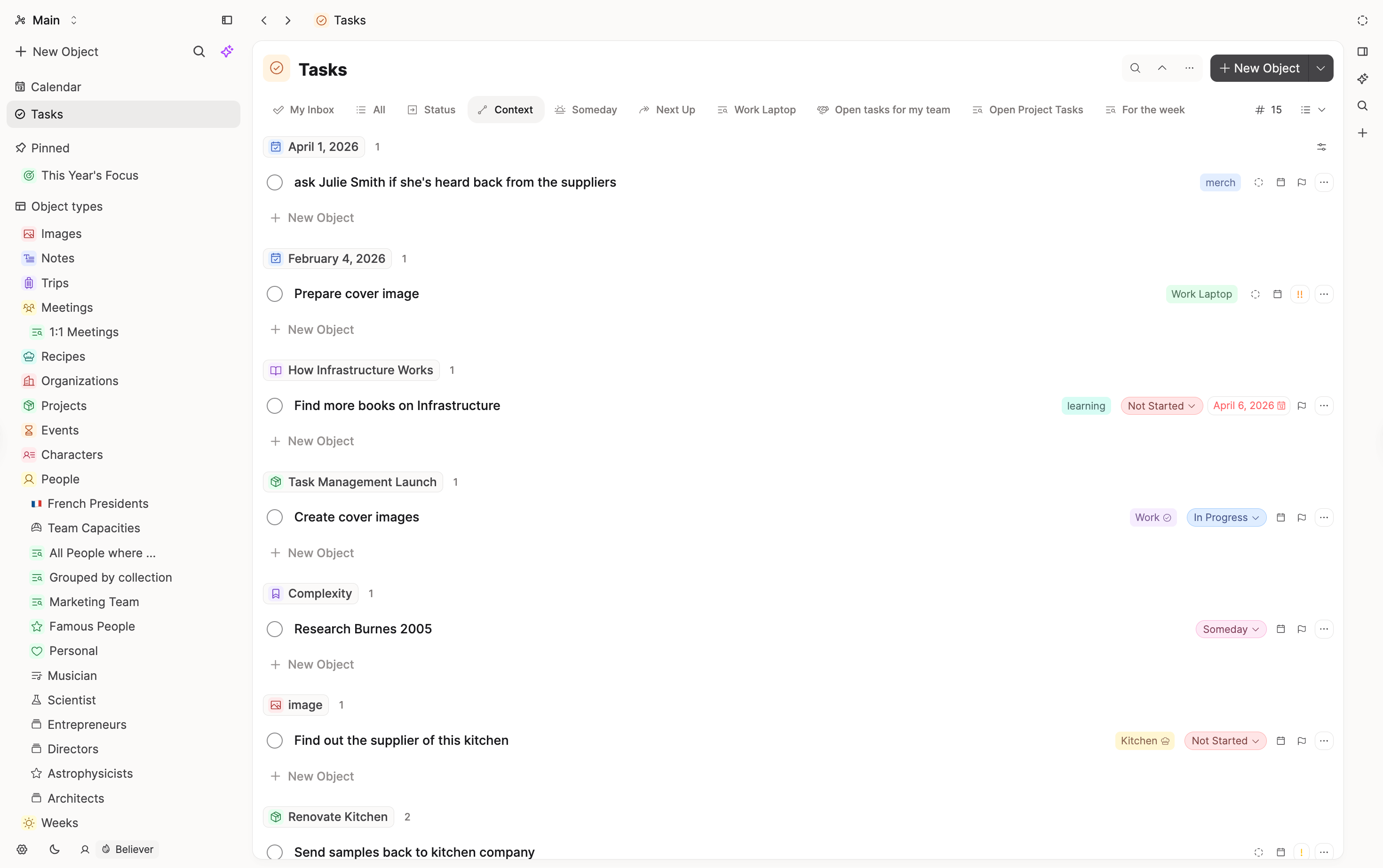
Keep lists are checklists inside a note. You can do the same in Capacities with todo blocks. If an item needs a due date or should show up in your task views, make it a task instead.
What does not map one-to-one
Shared editing
In Keep, people you share a note with can edit it with you. In Capacities, you can share objects for other people to view, but they cannot edit them.
Reminders
Keep reminders appear in Google Tasks and Google Calendar. Capacities reminders are attached to a date in a note. They are in beta for Capacities Believer.
Colors
Capacities does not color notes by hand. If you use Keep colors to group notes, a tag or an object type does the same job.
FAQs
- Can I still capture quickly?
Yes. Write in today's daily note, or use the mobile app or the web extension. - Do I need to set everything up before I start?
No. Start with Pages and tags, and add an object type when you notice the same kind of note coming up again and again. - What happens to my labels?
You decide label by label. The import guide walks you through it.
Import your content
When you are ready to move your notes, follow Import from Google Keep.
Ask a question! - The Docs Assistant knows everything about the documentation, and the ideas and feature requests from other users.
Create a ticket on our feedback board. - Let us know if you have an idea for a feature, improvement or think there is something missing.
Request additions to the documentation. - If your questions are not getting answered, let us know and we will extend the documentation.