Switching from Heptabase to Capacities
For a feature and pricing comparison, see Capacities vs Heptabase on the main website.
When you are ready to move your notes, read Understanding the paradigm shift first, then follow Import from Heptabase.
Heptabase is built around the whiteboard. You read a source, pull cards out of it, and arrange them on a board until a topic makes sense. Every note is a card, and tags give cards extra structure.
Capacities is built around your notes. Every note has a type, like a Person, a Book, a Meeting, or a plain Page, and a whiteboard is one way of looking at them. The two apps have a lot in common. Both have whiteboards, links with backlinks, and a daily journal, and in both apps one note can sit on many boards.
If the whiteboard is where you want every note to start, Heptabase is built for that. If you want your boards to be made of the people, books, and projects you already keep, that is where Capacities helps.
Concept mapping
| Heptabase | Capacities |
|---|---|
| Card | Object |
| Card Library | Your space, sorted by object type |
| Whiteboard | Whiteboard (Pro) |
| Section on a whiteboard | Frame on a whiteboard |
| Tag with properties | Object type with properties |
| Tag for a topic | Tag |
| Tag database | Object type views and queries (Pro) |
| Journal | Daily notes |
@ mention and backlinks | Object links and backlinks |
| Tasks | Tasks (Pro) |
Day-to-day differences
Where a note starts
In Heptabase, you often make a card on a whiteboard. In Capacities, you usually start in today's daily note or create an object of the right type. Put it on a whiteboard when you want to see it next to other notes.
Tags and object types
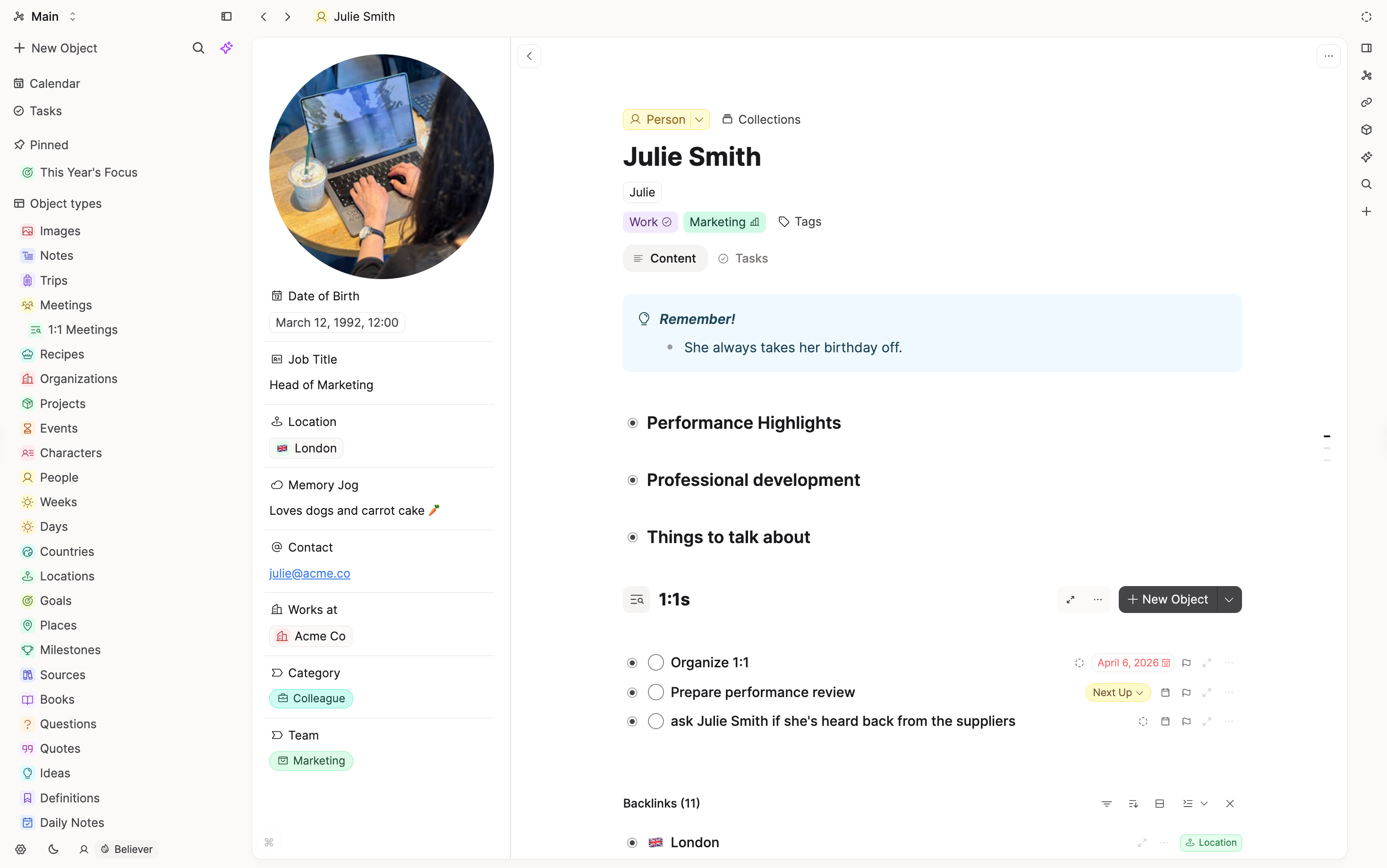
In Heptabase, every card is the same kind of thing, and a tag with properties adds structure. In Capacities, that structure is the object type. A Book type has its own properties, its own views, and its own place in the sidebar, so you do not need to tag every book.
Whiteboards
A Capacities whiteboard holds objects from your space, plus text, shapes, frames, and media, connected with lines and arrows. Each object on the board is the real note, with its type and properties. You can also export any board as a JSON Canvas file.
Links and backlinks
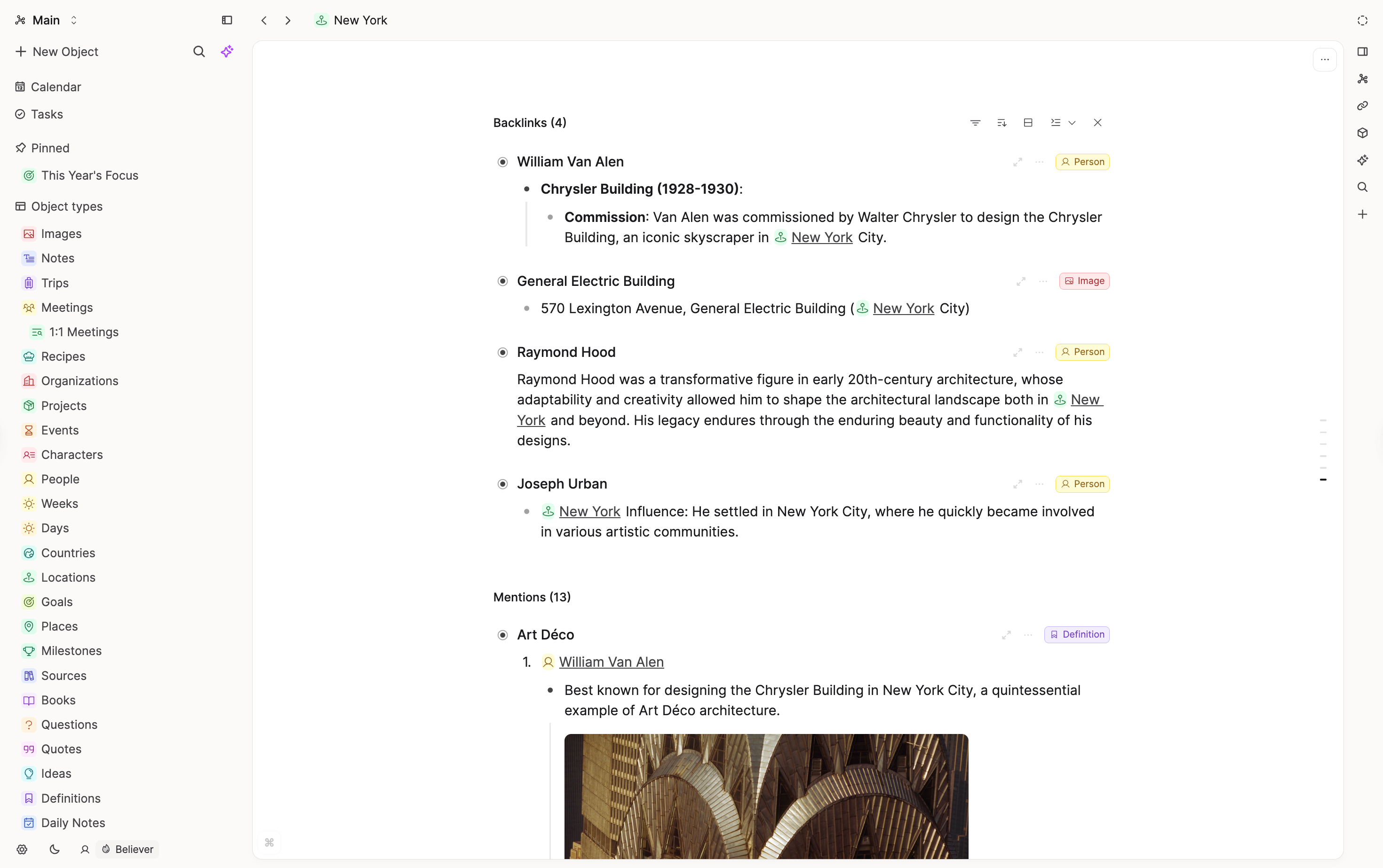
Both apps link notes and show backlinks. In Capacities, you link with @ or [[, and each object lists everything that links to it.
What does not map one-to-one
Whiteboard layouts
Board layouts do not come across in an import. Your cards do. Rebuild the boards you still use by placing your imported notes on a new whiteboard.
Shared editing
Heptabase lets you invite people to edit with you. In Capacities, you can share objects for other people to view, but they cannot edit them.
FAQs
- Do I have to pay for whiteboards?
Whiteboards are part of Capacities Pro. Your notes are free on every platform. - What happens to my tags?
You decide tag by tag. Tags that name a kind of thing become object types, and topic tags stay tags. The import guide walks you through it. - Can I keep a note on more than one board?
Yes. Like in Heptabase, the same note can sit on as many whiteboards as you like.
Import your content
When you are ready to move your notes, follow Import from Heptabase.
Ask a question! - The Docs Assistant knows everything about the documentation, and the ideas and feature requests from other users.
Create a ticket on our feedback board. - Let us know if you have an idea for a feature, improvement or think there is something missing.
Request additions to the documentation. - If your questions are not getting answered, let us know and we will extend the documentation.