Switching from Logseq to Capacities
When you are ready to move your notes, read Understanding the paradigm shift first, then follow Import from Logseq.
Logseq is now two apps. Logseq OG is the original app, which keeps your notes as Markdown files on your computer. Logseq is the new app, which keeps your notes in a database and is still in beta. Logseq announced the split in April 2026, and OG now gets maintenance but no new features. This guide covers both.
If you use Logseq, you already write in journals, link with [[ ]], and think in blocks. Capacities has daily notes, links, backlinks, and block references too, so a lot will feel familiar.
The difference is that every note in Capacities has a type. A Book, a Person, and a Meeting are object types, each with its own properties and views. The new Logseq is moving the same way: its tags with properties work much like Capacities object types.
If you want your notes as plain Markdown files on your own computer, Logseq OG is built for that, and Capacities is not. If you want typed notes that are ready to use without setting them up yourself, that is where Capacities helps.
Concept mapping
| Logseq | Capacities |
|---|---|
| Page | Object |
| Journal | Daily notes |
[[link]] | Object link with @ or [[ |
| Linked references | Backlinks |
| Unlinked references | Unlinked mentions (Pro) |
Block reference (( )) | Block reference (( )) |
Tag with properties, like #Person | Person object type |
Property key:: value | Property |
| Query | Query (Pro) |
| Template | Templates |
| Whiteboard | Whiteboard (Pro) |
| Tasks | Tasks (Pro) |
Day-to-day differences
Writing in daily notes
This part will feel familiar. Open today's daily note, write, and link to whatever you mention. Each linked note shows the day as a backlink.
Tags and object types
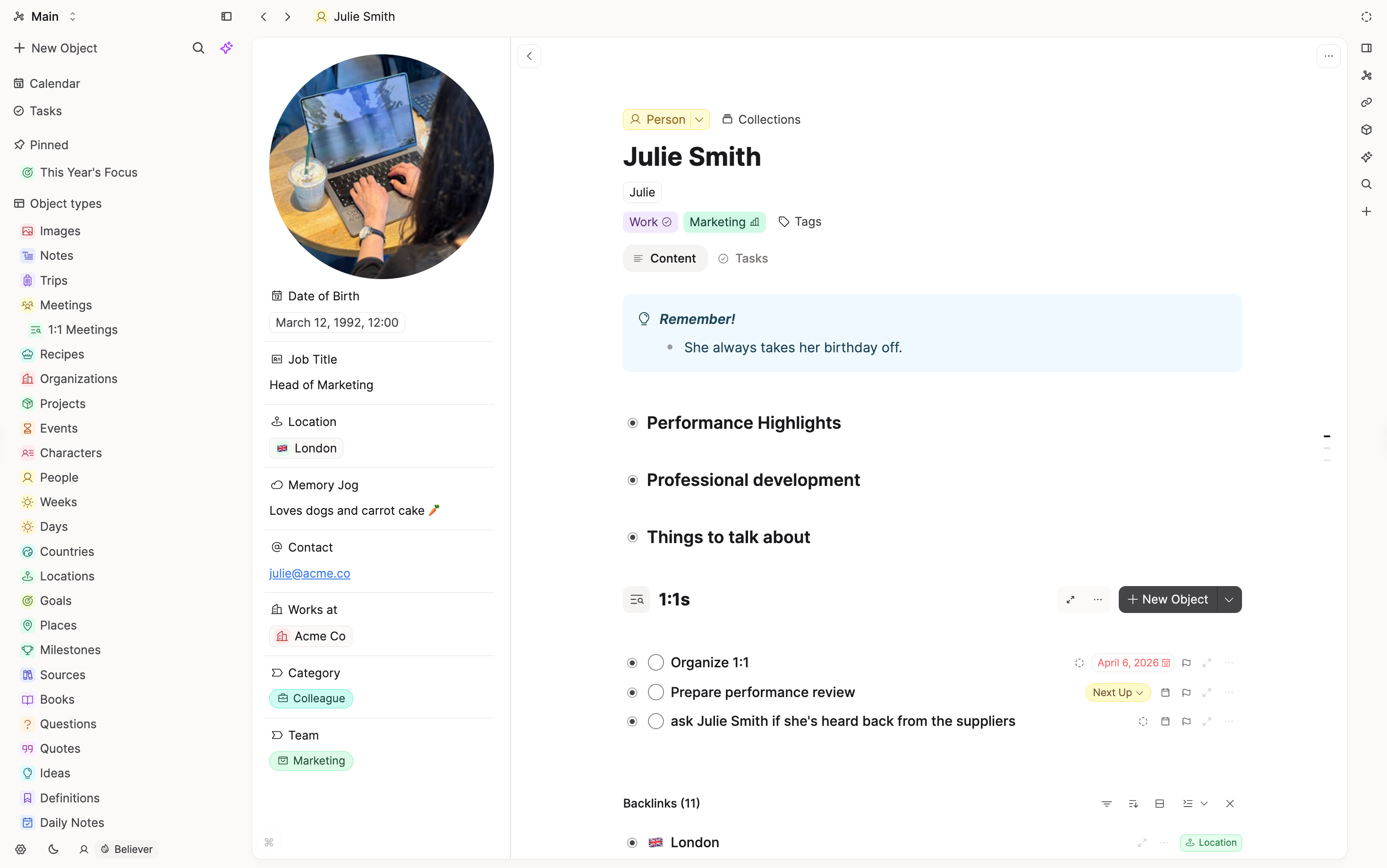
In Logseq OG, you might tag a page #Book and add author:: by hand. In the new Logseq, a #Book tag can carry its properties for you. In Capacities, Book is an object type: create one with @ or [[, and its properties are already there. Every book is listed on the Book type's page, where you can sort and filter them.
Pages and blocks
Logseq pages are outlines, where every line is a bullet. Capacities notes are made of blocks too, and you can nest them, but a note reads more like a document. Bullets are one option, not the default.
Links and references
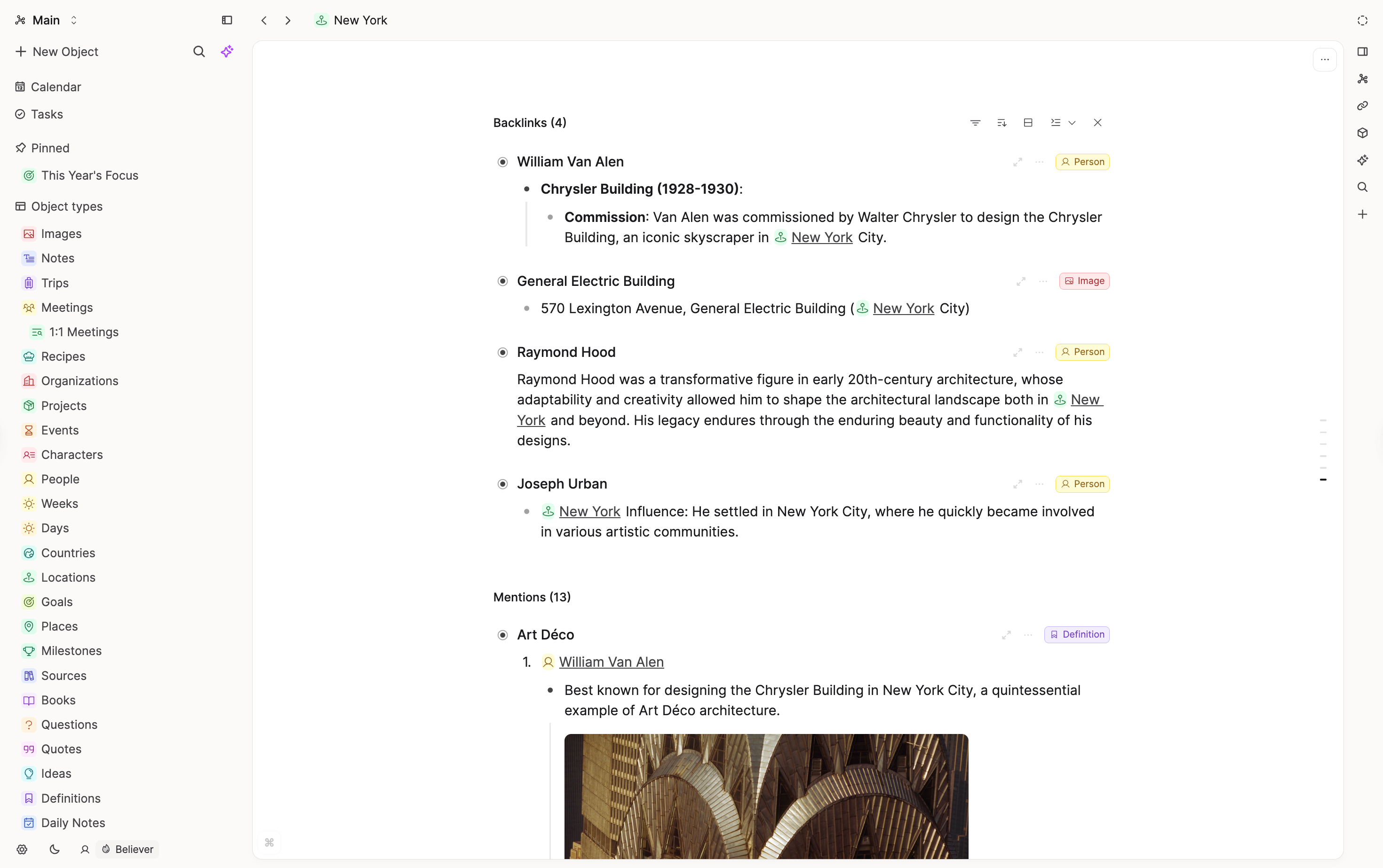
Links, backlinks, and block references work like you would expect. Type [[ or @ to link a note, or (( to find and link a block.
What does not map one-to-one
Local Markdown files
Logseq OG keeps every page as a file in a folder you own. Capacities keeps your notes in the app. You can export everything as Markdown at any time.
Plugins
Logseq has plugins. Capacities does not have extensions or custom code. It aims for features that work well together out of the box.
Shared editing
The new Logseq is testing real-time collaboration. In Capacities, you can share objects for other people to view, but they cannot edit them.
FAQs
- Which Logseq do I have?
If your notes are a folder of Markdown files, you use Logseq OG. If you created a database graph in Logseq 2.0 or later, you use the new Logseq. The import guide covers both. - Will my journals come across?
Yes. Capacities allows one daily note per day, so if you have already written in Capacities on a day you also have in Logseq, that journal is skipped. The import guide explains how to avoid this. - Do my properties come across?
Not automatically. Logseq's standard Markdown export leaves out block properties, so plan to add them again on your Capacities object types.
Import your content
When you are ready to move your notes, follow Import from Logseq.
Ask a question! - The Docs Assistant knows everything about the documentation, and the ideas and feature requests from other users.
Create a ticket on our feedback board. - Let us know if you have an idea for a feature, improvement or think there is something missing.
Request additions to the documentation. - If your questions are not getting answered, let us know and we will extend the documentation.