Switching from Roam to Capacities
When you are ready to move your notes, read Understanding the paradigm shift first, then follow Import from Roam.
If you use Roam, you already think in links. You write in today's daily note, link to pages with [[ ]], and let Linked References show where an idea comes up. Capacities works the same way at heart. It has daily notes, links, backlinks, and block references too.
The difference is that every note in Capacities has a type. In Roam, a book, a person, and a meeting are all pages, and you add tags or attributes to tell them apart. In Capacities, a Book, a Person, and a Meeting are object types, each with its own properties and views. You get that structure without building it yourself.
If you love Roam's open-ended outline and build your own systems with queries and extensions, Capacities will feel more guided. If you have spent a lot of time keeping tags and attributes consistent, that is where Capacities helps.
Concept mapping
| Roam | Capacities |
|---|---|
| Page | Object |
| Daily Notes | Daily notes |
[[link]] | Object link with @ or [[ |
| Linked References | Backlinks |
| Unlinked References | Unlinked mentions (Pro) |
Block reference (( )) | Block reference (( )) |
#Book or Type:: Book | Book object type |
Attribute Author:: | Property |
| Query | Query (Pro) |
roam/templates | Templates |
| Right sidebar | Side panel |
Day-to-day differences
Writing in daily notes
This part will feel familiar. Open today's daily note, write, and link to whatever you mention. Each linked note shows the day as a backlink.
Tags, attributes, and object types
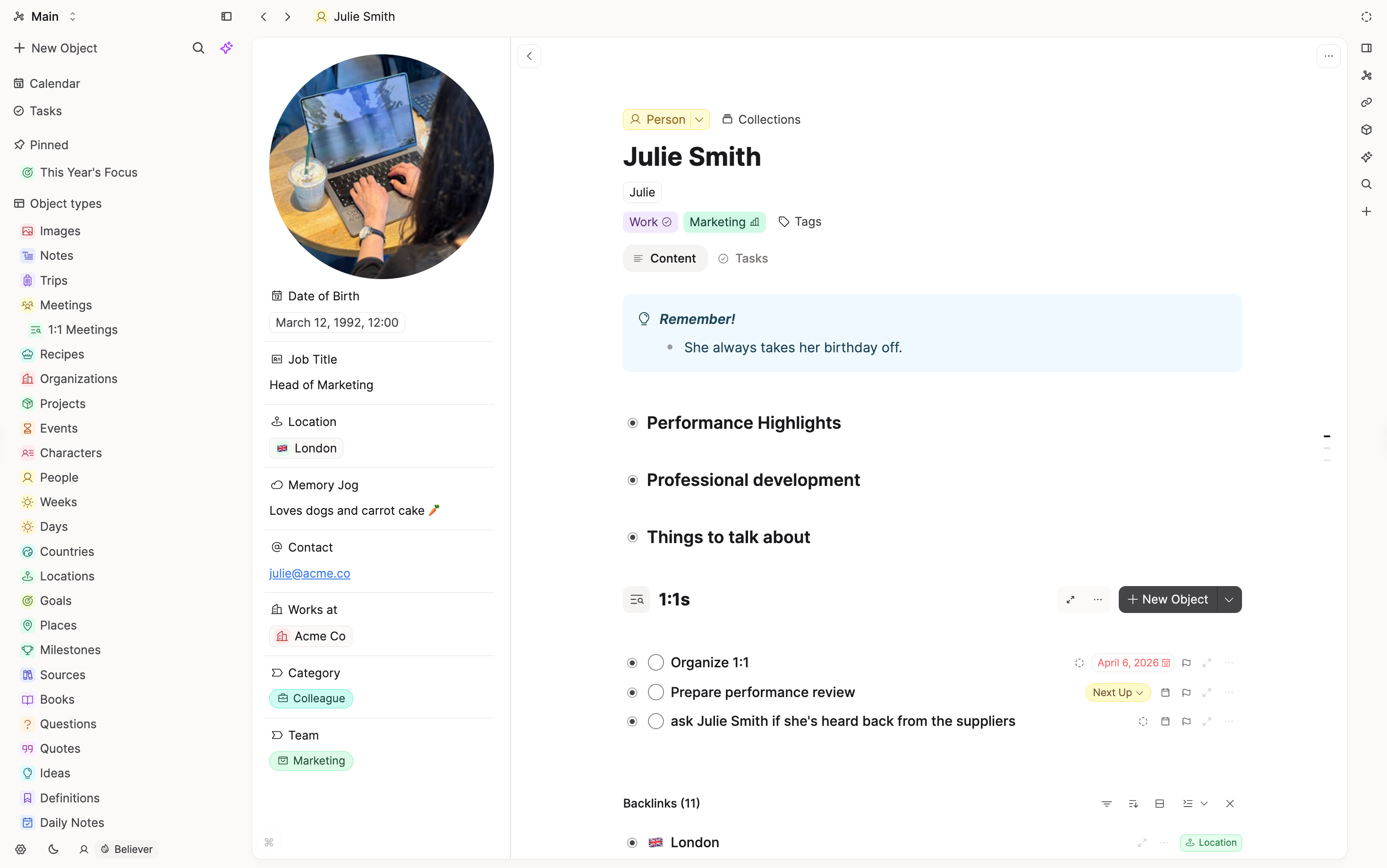
In Roam, you might tag a page #Book and add Author:: and Rating:: lines by hand. In Capacities, you create a Book with @ or [[, and the author and rating fields are already there. Every book is listed on the Book type's page, where you can sort and filter them.
Pages and blocks
Roam pages are outlines, where every line is a bullet. Capacities notes are made of blocks too, and you can nest them, but a note reads more like a document. Bullets are one option, not the default.
Links and references
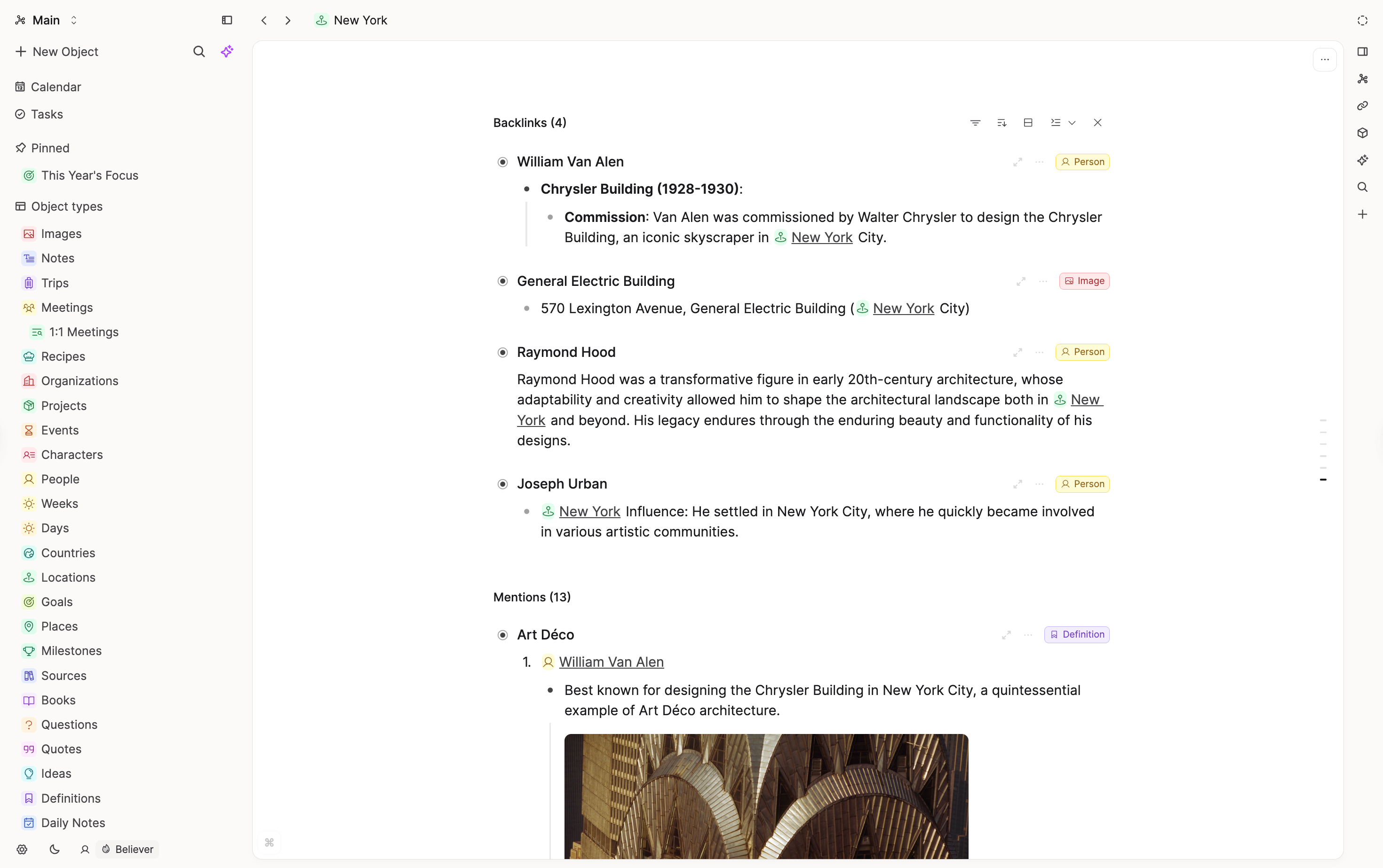
Links, backlinks, and block references all work like you would expect. Type [[ or @ to link a note, or (( to find and link a block.
What does not map one-to-one
Extensions and custom code
Roam lets you add extensions from Roam Depot and your own code. Capacities does not have extensions or custom code. It aims for features that work well together out of the box.
Queries
Roam queries search for blocks. Capacities queries find objects by type, property, and links. Rebuild the queries you rely on after you move.
Shared editing
Roam graphs can have collaborators who edit with you. In Capacities, you can share objects for other people to view, but they cannot edit them.
FAQs
- Will my daily notes come across?
Yes. Capacities allows one daily note per day, so if you have already written in Capacities on a day you also have in Roam, that Roam day is skipped. The import guide explains how to avoid this. - Do I lose my links?
No.[[links]]come across in the import. Block references need re-linking by hand. - Do I need to set up types before I start?
It helps. Look at the tags you use most, like#Bookor#Person, and create those types first.
Import your content
When you are ready to move your notes, follow Import from Roam.
Ask a question! - The Docs Assistant knows everything about the documentation, and the ideas and feature requests from other users.
Create a ticket on our feedback board. - Let us know if you have an idea for a feature, improvement or think there is something missing.
Request additions to the documentation. - If your questions are not getting answered, let us know and we will extend the documentation.